
Digital Dragons
Digital Dragons 25-26!
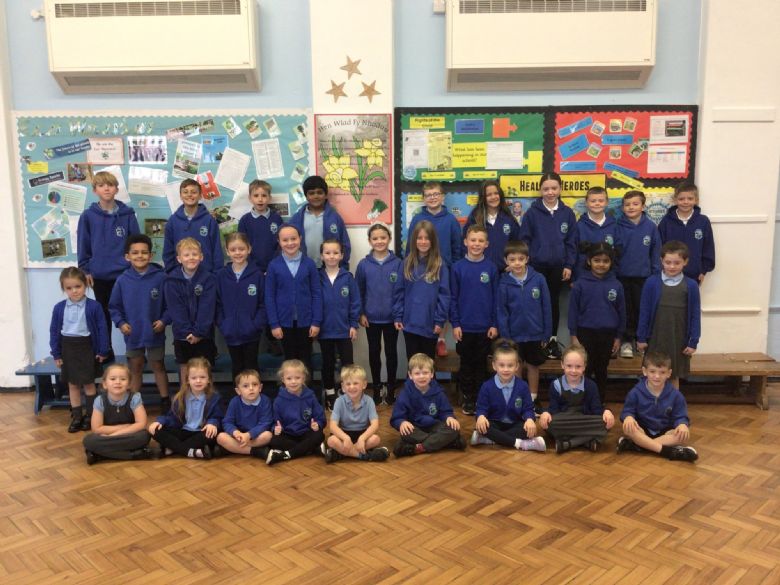
Our Mission Statement:
Our purpose is to help pupils, staff, parents, grandparents and governors with digital tools and help to keep them safe online by setting a good example.
Our Aims:
- To help everyone in our school understand how to keep safe when using technology at home.
- To share information to all of the pupils in our school on the different devices, apps and websites that they can use to help their learning.
- To help others understand the different rules of games or apps they are using and new technology that is being used e.g. AI.
- To talk about different days/events that are important for everyone when using technology and will make others want to use it too e.g. Safer Internet Day.
Keeping Safe Online:
We work hard to regularly update our Keeping Safe Online Page on our school website. On our Keeping Safe Online Page you will find lots of information, guides, videos and posters linked to online safety, apps and guidelines. Click here to visit our Keeping Safe Online Page!
Drone workshop 2026!
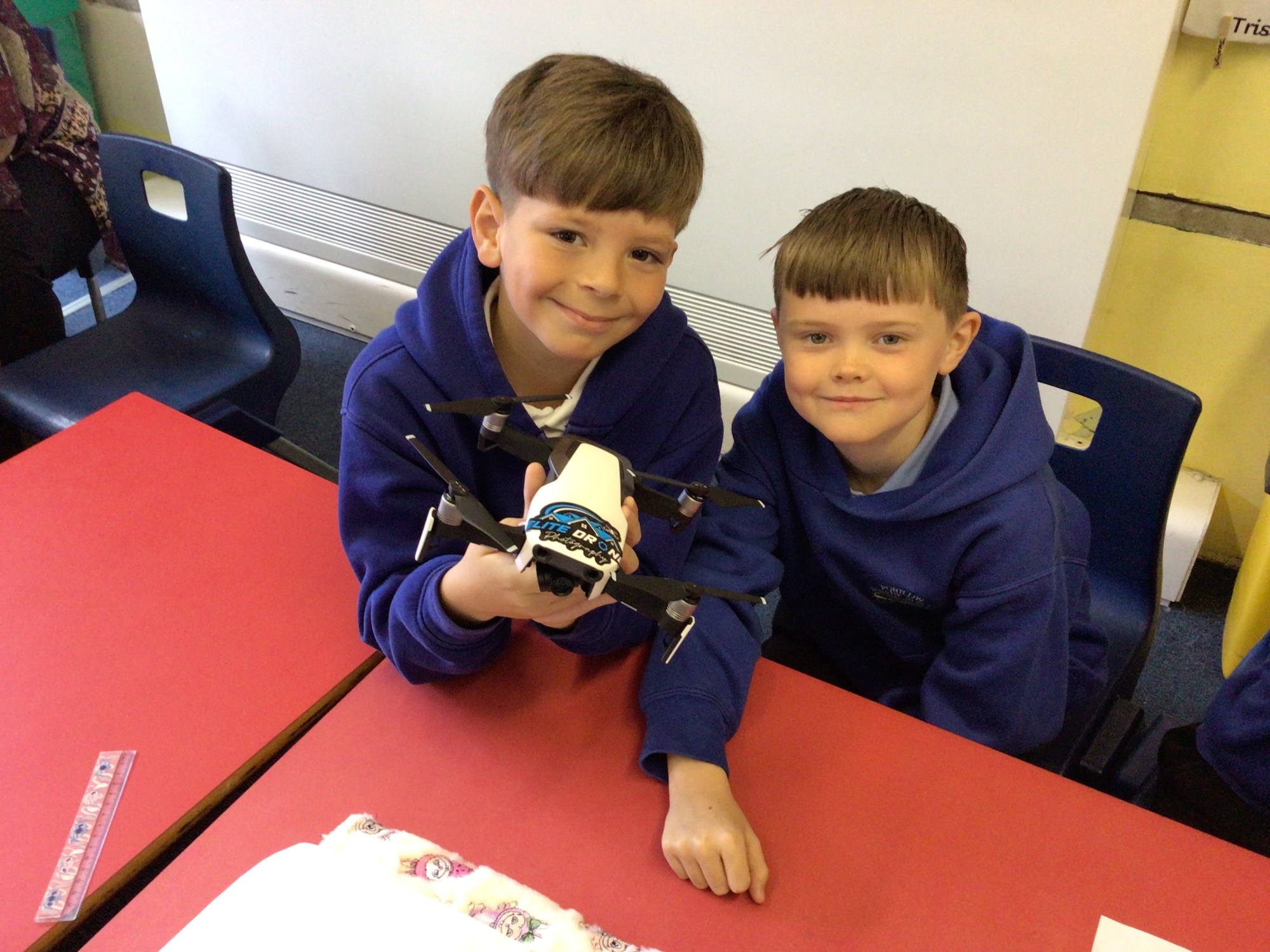
Our Digital Dragon pupil voice group were lucky enough to have a wonderful talk off Mr Miles who owns his own business Elite Drone Photography!
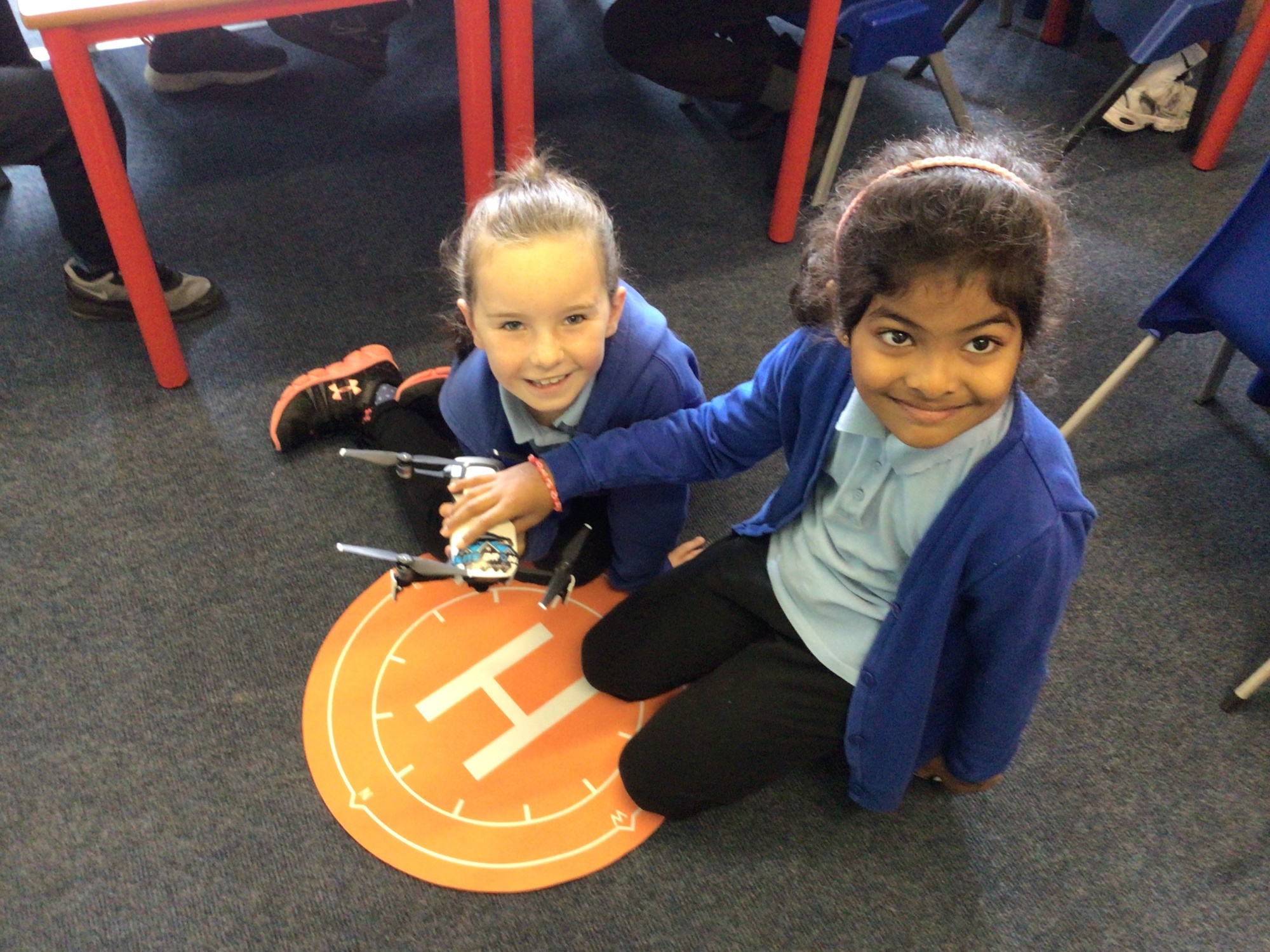
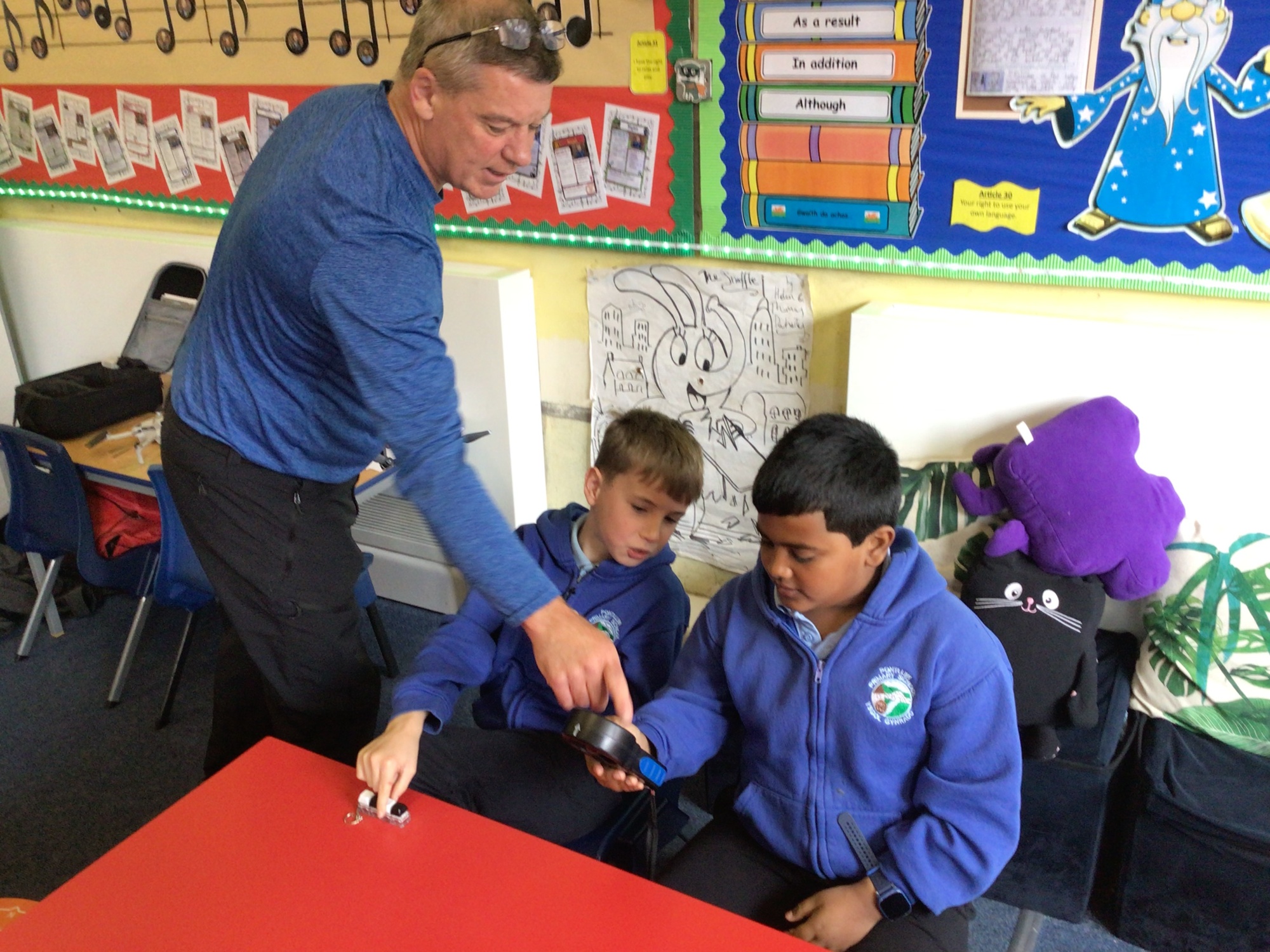
The children learnt all about how to operate drones, what their uses are and safety guidelines that must be considered.
We got to study models of different drones, wind gauges, and landing pads! 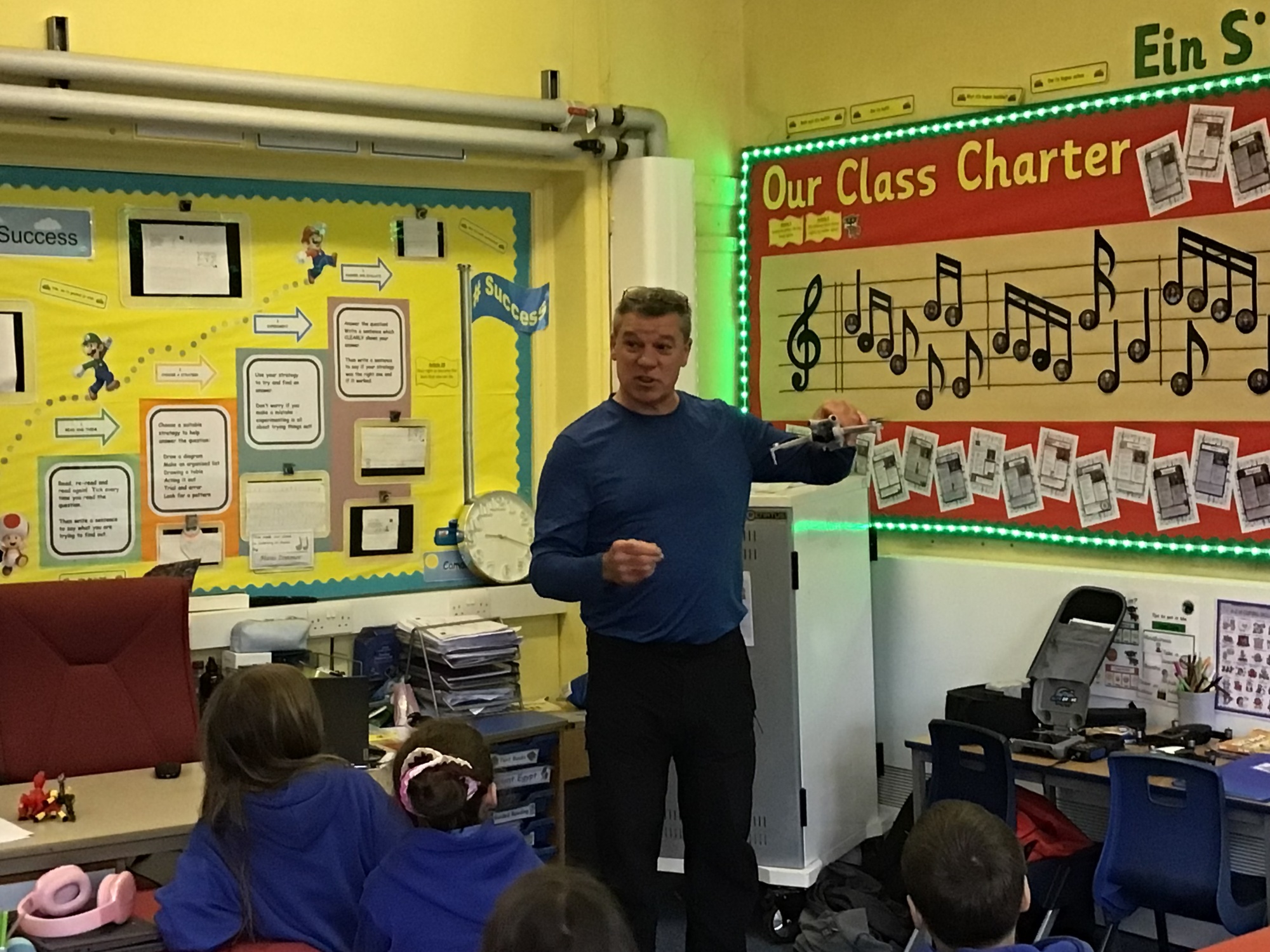
Safer Internet Day 2026!
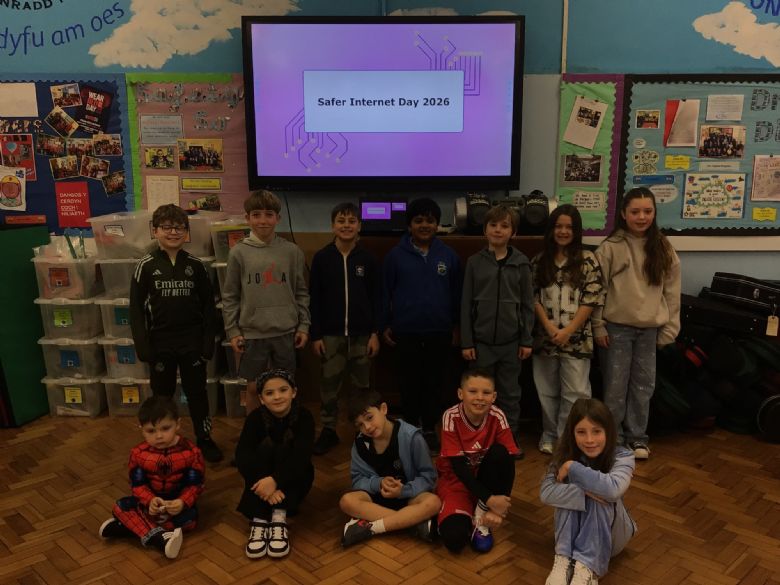
We enjoyed presenting a whole school assembly all about this year's theme of 'Smart tech, safe choices – Exploring the safe and responsible use of AI'. We spoke about all of the wonderful ways that we can safely use technology as well as key safety rules we must consider when being online and using AI.
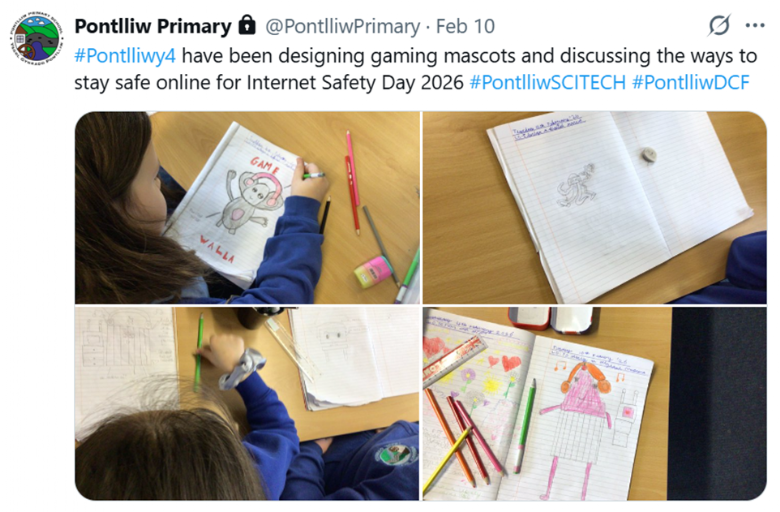
Every class then completed activities in class linked to online safety.
Meeting Notes:
25/9/25 Meeting 1
We started by welcoming everyone to the Digital Dragons!
We discussed our aims of the year and what our responsibilities were as the Digital Dragons.
Our Y6 pupils all did a speech on why they wanted to be Chair, Vice Chair or Secretary. We then did an anonymous vote. We took a picture of our members for X.
9/10/25 Meeting 2
Today we focussed on the use of Minecraft Education to promote Online Safety in school. Mrs Price demonstrated some of the features that we can use on Minecraft Education to promote online safety e.g. Book and Quill, NPC's, Boards, Camera and so much more!
Year 6, 5 and 4 shared their experiences of using Minecraft Education and shared hints with our younger members of the group.
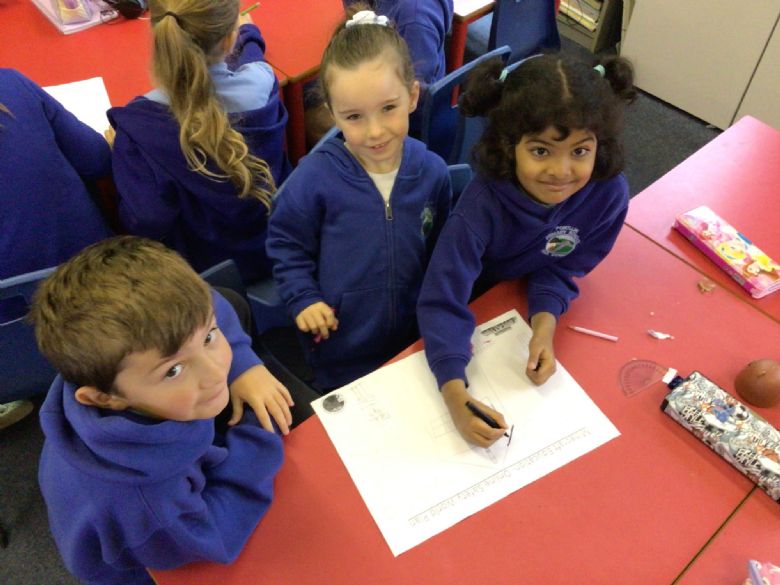
We were placed in to groups and decided to draw and map out the different areas that we will build in our Worlds.
23/10/25 Meeting 3
Today we continued with our Online Safety World Plan. Year 6 pupils were all at Borfa on the Residential.
After we had finished, we showed everyone our plans and shared ideas for what we could all include. We looked at the similarities of our worlds, how they were all unique and we made sure that they all had tips linked to Online safety.
Next Step- To use our plans to build a digital online safety world using Minecraft Education. We can then share this with the rest of the school to help them learn all about Online Safety.
Spring Term 2026
15/01/26
Today we focussed on preparing for our big event of the year- Safer Internet Day 2026. We discussed how it will be held on the 10th of February. The theme for this year is 'Smart tech, safe choices – Exploring the safe and responsible use of AI'.
We suggested different ways that we can celebrate Safer Internet Day. We decided to make posters that advertise it and started on our designs.
Next step- To complete our Safer Internet Day posters and plan a whole school assembly to celebrate this event.
29/01/26
Today we focussed on planning for our Safer Internet Day 2026 whole school assembly. We spoke about important points we wanted to raise with the use of AI and practised our assembly that we will be presenting to the whole school.
We then discussed what apps were popular at the moment and what safety rules we could share with the school when using them.
Next Step- Present our whole school assembly and gather feedback about activities that every year group are completing for Safer Internet Day.
09.02.26: Safer Internet Day Assembly
Today our whole school celebrated Safer Internet Day 2026 with a special assembly all about this year’s theme:
“Smart tech, safe choices – Exploring the safe and responsible use of AI.”
Our Digital Dragons did a brilliant job leading the assembly. They explained what AI is, how we use it in everyday life, and how it can help us learn. They also talked about how important it is to make smart, safe choices when using technology and key safety rules that must be considered when using AI.
Everyone in school then completed a lesson or learning activity to celebrate and learn even more about Safer Internet Day.
11.03.26: Ready, Respectful & Safe
In groups, we worked together to think of lots of different ideas of how we could improve behaviour in our school under the headings: ready, respectful and safe.
We came up with lots of good ideas, and we recorded them on a sheet. This will help the school decide on what defines these 3 headings.